 PodEditor
Coming from Hindenburg?
Your sessions, your voice profiles, your Favorites, your muscle memory — the parts of your workflow you actually built up over years come with you. Here's exactly what carries over, and what's different.
Built around spoken word, the same focus Hindenburg has — a real multitrack timeline for assembling an interview or story, not a music editor with podcast features bolted on.
Your sessions import directly
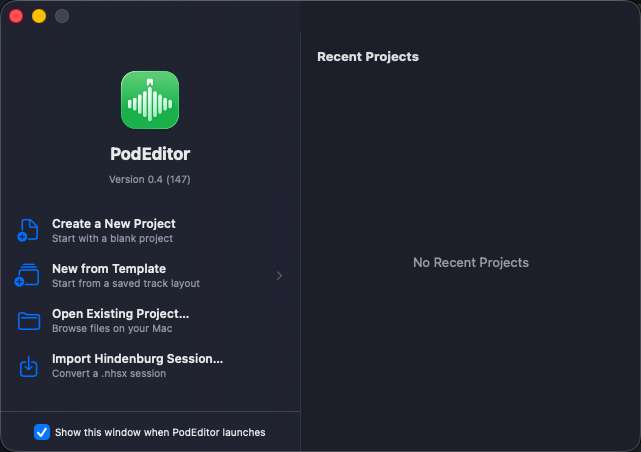
File ▸ Import Hindenburg Session… brings in an
.nhsx session with its markers, chapters, and
track layout intact, along with your voice profiles and
Favorites libraries — so switching editors doesn't mean
starting a session over from a bounced-down stereo file. Every
session in a 273-file real-world corpus parses with every
count reconciled against the original XML — this isn't a
best-effort converter.
Auto Level, tuned to a similar target
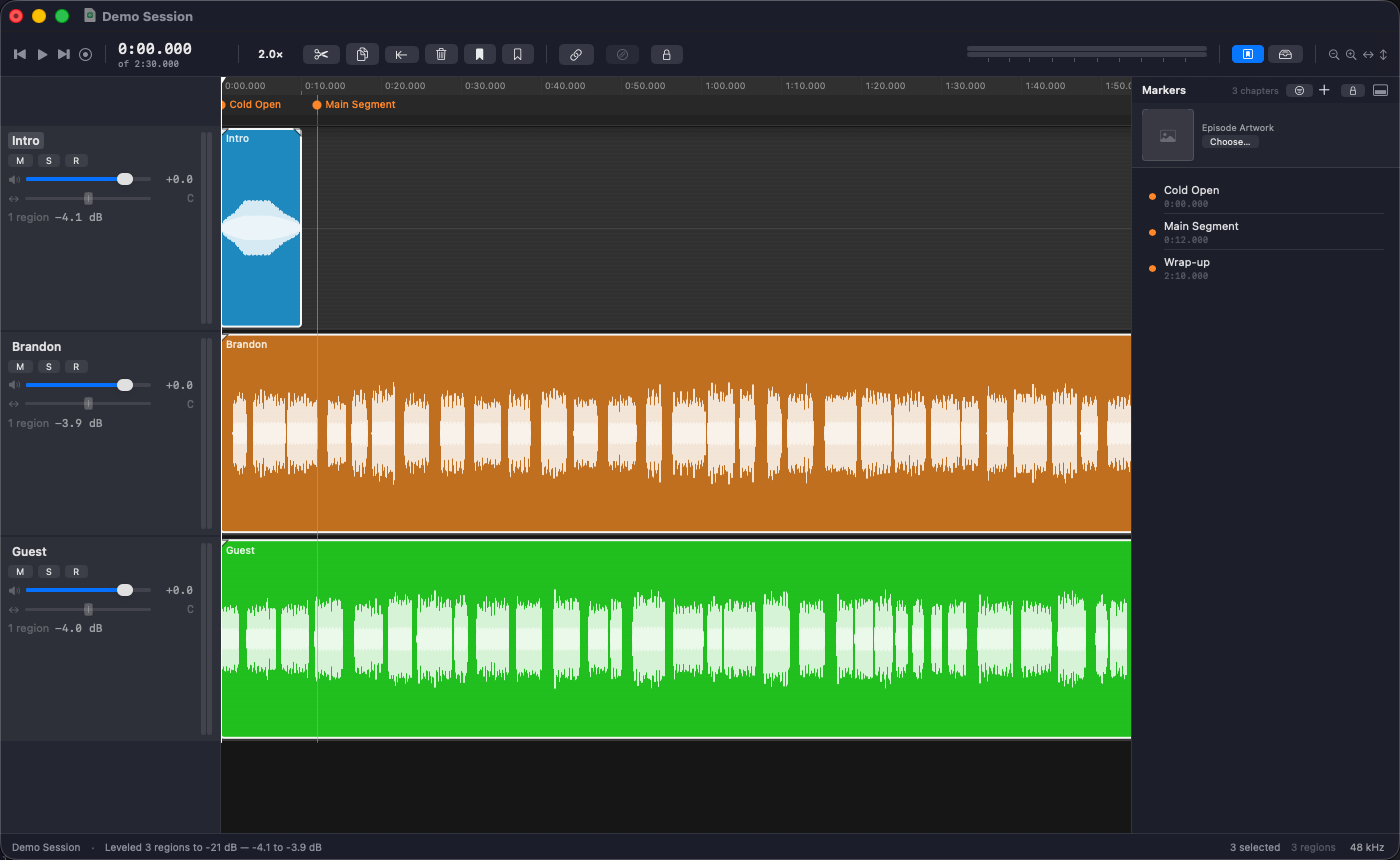
Every region gets brought to a common speech level automatically, the way you're used to — except the −21 dB target here wasn't picked to match a spec sheet. It was recovered by measuring 4,864 regions of real episode audio, so the level it lands on is one that was actually verified against real speech, not just assumed.
Clipboard bins and Favorites, both imported
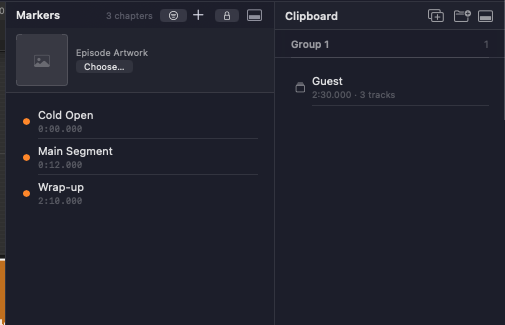
The groups and multi-track clips you built up in Hindenburg carry over as bins you can drag clips in and out of, and your Favorites library comes across with them — the intros, stingers, and sound effects you reuse every episode are there on day one, not something you have to rebuild by hand.
Link Tracks
Link any combination of tracks so a split, trim, or move on one carries across all of them — the same idea as Hindenburg's linked tracks, so a multi-mic interview stays in sync without extra steps.
Ducking
Drag a region's gain line to duck it under a time selection — ramp down, hold, ramp back up, across every linked track in one gesture. The 400 ms ramp was tuned against real fade data, the same way the Auto Level target was.
Grouping and clip assembly
Group clips together (⌘G) so they move as one unit while you assemble an episode, or join two regions (⌘J) back into one — the same clip-based way of building an episode you already know.
Chapters that stay put
Lock a chapter marker to the content it marks and it moves with your edits — no more chapters landing in the wrong place after inserting an ad or trimming audio.
Split-stereo import
A 2-channel file gets measured on import and either split into two mono tracks — one per speaker, the way Riverside and Restream export a remote interview — or summed to one, with the right answer preselected.
Publishing you already trust
MP3, AAC, WAV, AIFF, FLAC, and CAF; loudness normalization with a true-peak limiter on by default; ID3v2 chapters built straight from your timeline markers.
What's different
PodEditor is built native for Apple Silicon — the app launches, scrolls, and exports the way a Mac app should. An hour-long episode exports in about 6 seconds, using every core on your Mac.
A few things are specific to Hindenburg's own app and don't carry across automatically: window layouts, keyboard shortcut sets, and any third-party plugins in your Hindenburg install start fresh in PodEditor. The keymap is fully remappable, so if you've built up muscle memory around specific shortcuts, you can bring those back by hand.
