 PodEditor
Podcast & spoken-word editor.
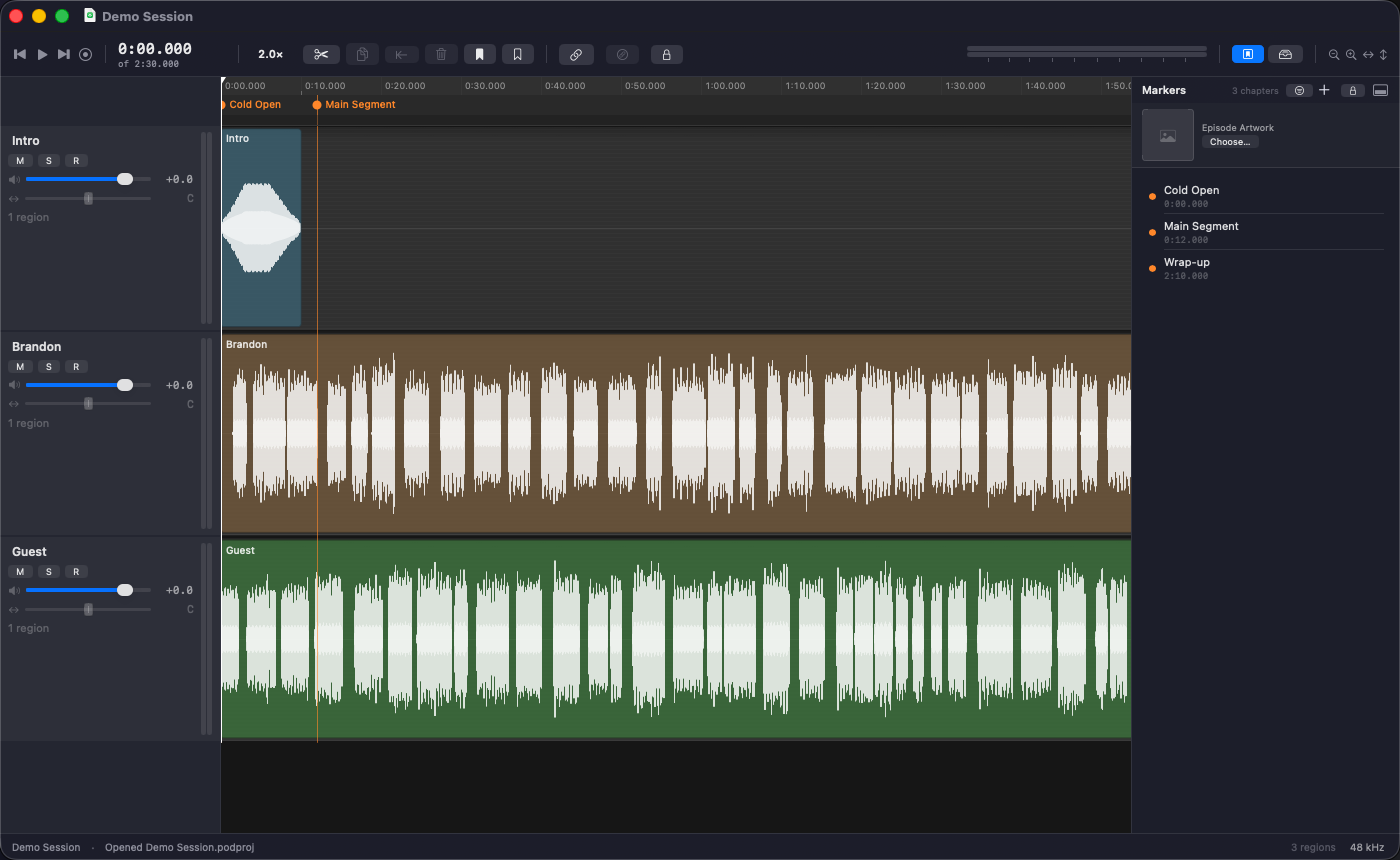
PodEditor is a native, Apple Silicon editor built around assembling a great interview or story — not a music editor with podcast features bolted on. A real multitrack timeline, non-destructive editing, and publishing tuned for how podcasts actually get made.
macOS 15 or later · Apple Silicon
Features
A real multitrack timeline
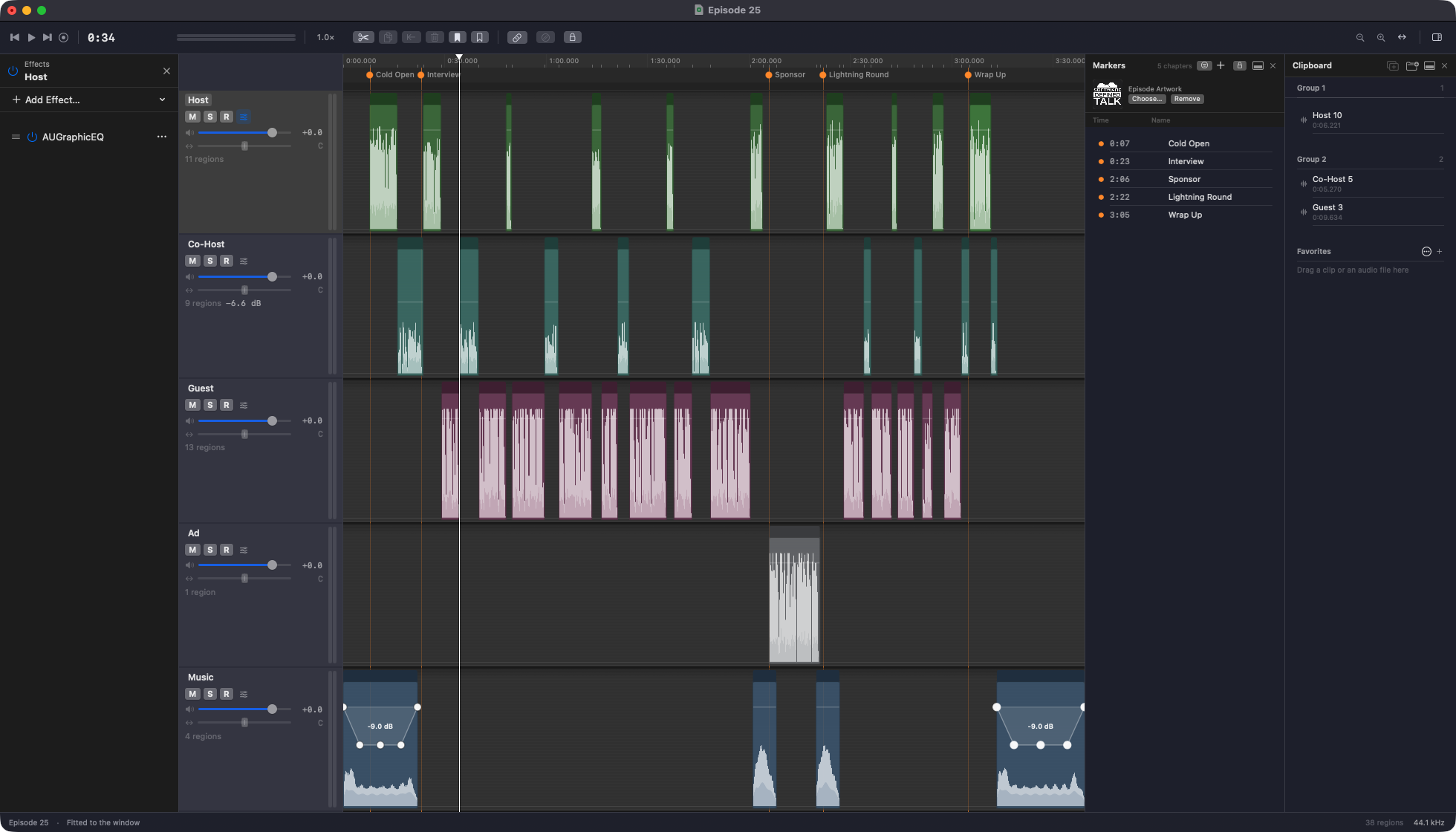
Regions, waveforms, scroll and zoom, a fully remappable keymap. Split, trim, ripple, slip, crossfade, join, or group clips — every edit moves region boundaries only, the audio in the pool is never touched. Need a pickup? Arm a track and record right on the timeline.
Bring your existing sessions
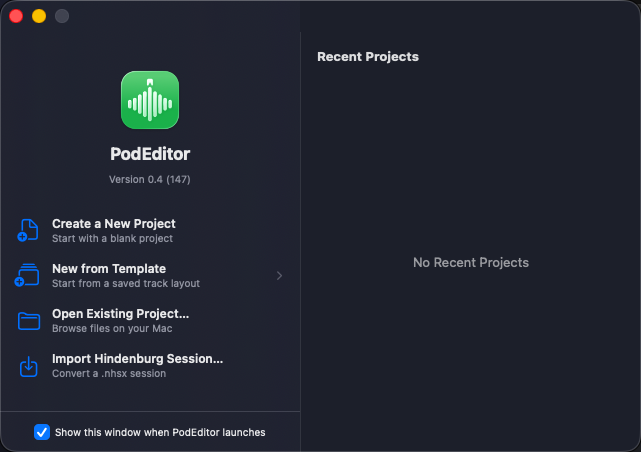
Import Hindenburg sessions, voice profiles, and Favorites libraries directly, so switching editors doesn't mean starting over. See everything that carries over.
Auto Level, calibrated on real episodes
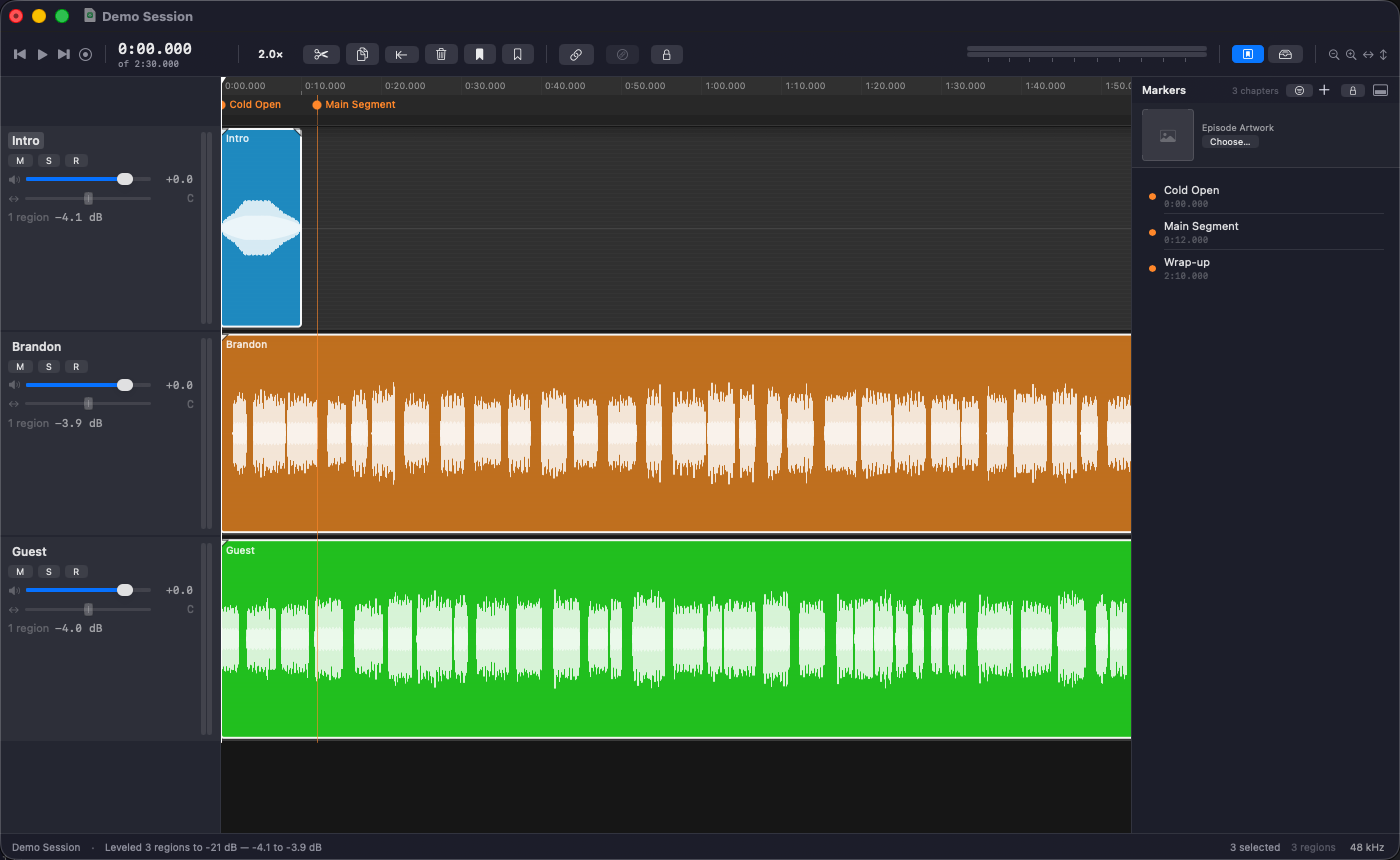
Select your regions and Auto Level brings each one to the same speech level, so a quiet guest and a loud host sit together without adjusting every clip by hand.
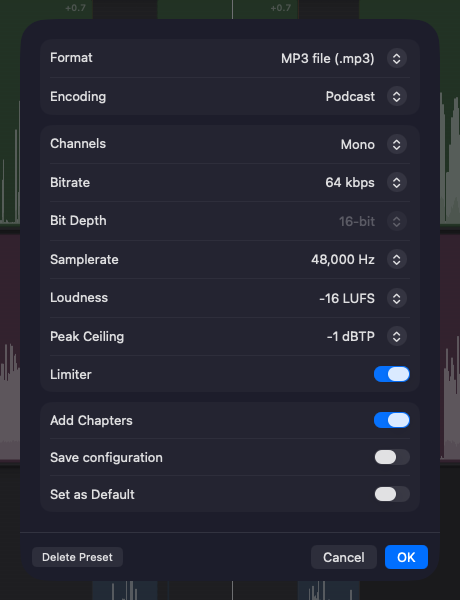
Publishing that gets out of your way
MP3, AAC, Apple Lossless, WAV, AIFF, and FLAC; loudness normalization with a true-peak limiter on by default; ID3v2 chapters built straight from your timeline markers. Encoding runs across every core, so even a long episode exports quickly.
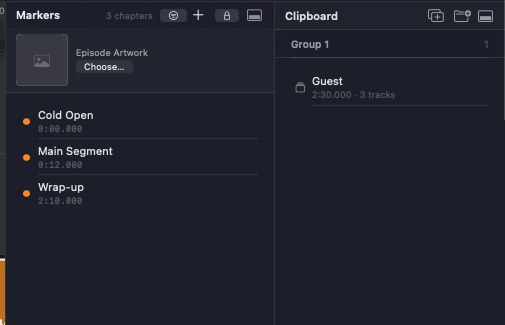
Clipboard bins
Save a multi-track clip as a bin you can drag clips in and out of — plus a cross-session Favorites library for the intros, stingers, and sound effects you reuse every episode.
Ducking
Drag a region's gain line to duck it under a time selection — ramp down, hold, ramp back up, across every linked track in one gesture.
Split-stereo import
Recorded an interview with the host on one channel and the guest on the other? Import the two-channel file and PodEditor measures it and asks whether to split it into two mono tracks, one per speaker, or blend it into one, with its suggestion preselected.
Chapters
Lock a chapter marker to the content it marks and it moves with your edits. No more chapters landing in the wrong place after inserting an ad or trimming audio.
Link Tracks
Link any combination of tracks so a split, trim, or move on one carries across all of them. No more clips drifting out of sync after one small edit.
Multitrack Export for Auphonic
Export lossless per-track stems with chapter marks included, ready to upload to Auphonic for a mastering pass that gets episodes sounding crystal clear.
Export a transcript
Make a text, SubRip, or WebVTT file with speaker names, entirely on your Mac. Each track is a speaker, and what you cut isn't in it. Requires macOS 26 or later; it's a draft to proofread.
